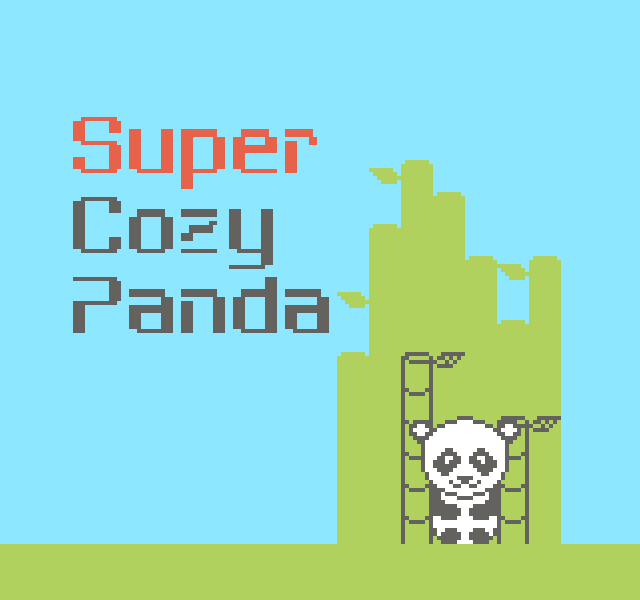
Super Cozy Panda
Super Cozy Panda
is a new SNES homebrew from 2025 for the game jam SNESDEV 2025.
How to play in Browser?
It plays best on Google Chrome for desktop or mobile. You can modify the controls as you wish in the bottom left corner of the game.
The standard buttons are the
- arrow keys: D-Pad (to move)
- Z: A (to interact)
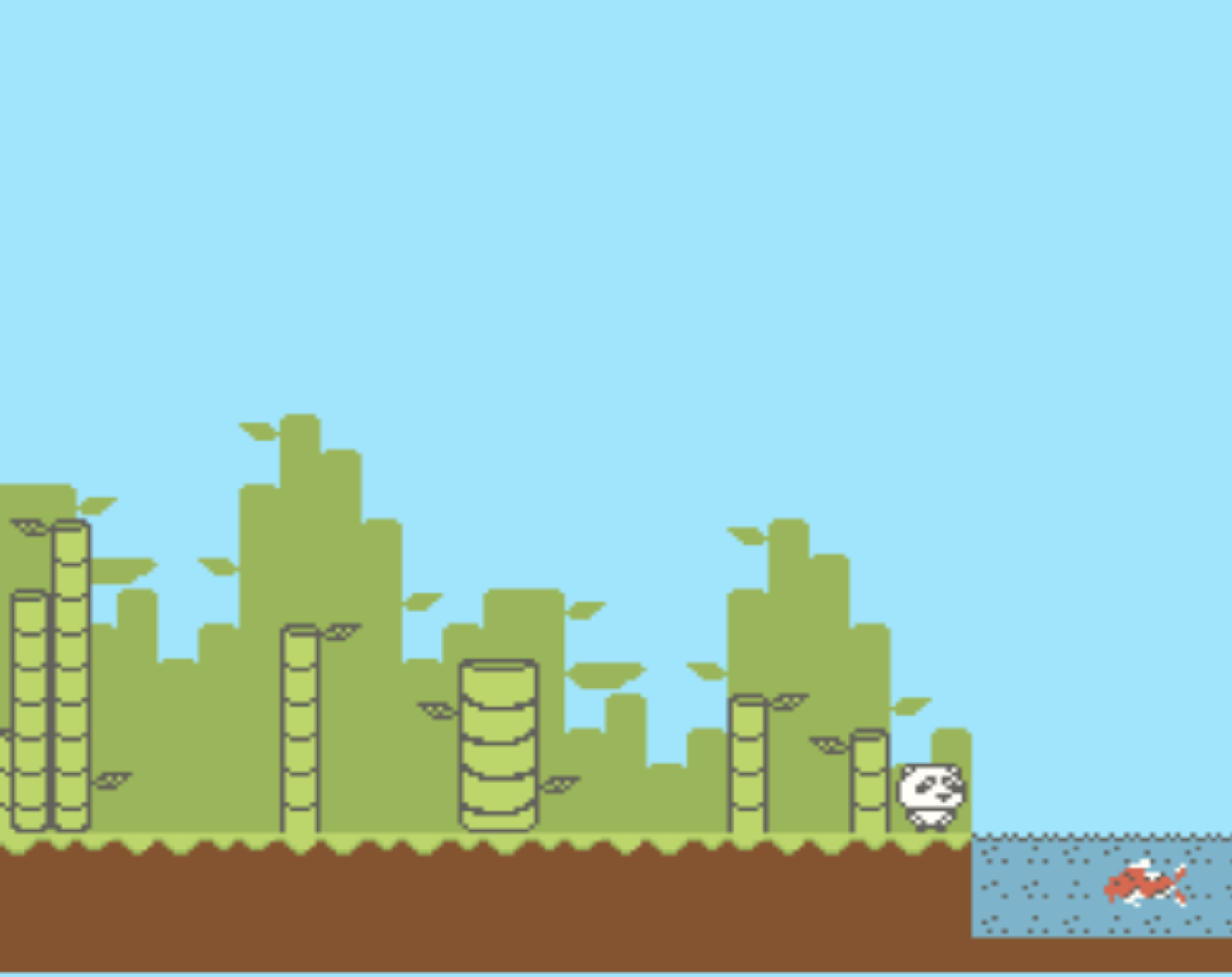
- X: B (to stop interacting with the fish)
The goal of the game?
Relax. Enjoy a little game with cozy lo-fi music, explore what is possible and just don't do anything.
Isn't that boring?
I wanted to make a game that lives the japanese concept "Ma" (間). It's heavily used in japanese art and ghibli movies and it can mean multiple things such as break or gap between things. The game is meant to give you time to breathe in a world that has forgotten to take a break. So I hope you enjoy your break!
How does it play in the browser?
I'm using EmulatorJS.
Thanks for testing
- shadow64
- Anorak Studio Games
- urigami_art
Download
Click download now to get access to the following files:
Comments
Log in with itch.io to leave a comment.
Good evening friend, I'm having trouble understanding how to start. I joined the project and wanted your help. I played your game and found it very cute. Can you help me with some questions: "What programs did you use to compile the code? Which one did you use to convert the image to a file? Which program did you also use to convert the audio to the file that you embedded in the main file?", "Is there a step-by-step video on YouTube?", "Which program did you use for music and for art?" Could you tell me somewhere that has the easiest and most didactic step-by-step guide?
I used PVSNESlib. Everything is explained in this tutorial or in the examples:
https://github.com/alekmaul/pvsneslib/wiki
If you have further question, you can ask me on discord: mooon.bit
Wait, you've got Urigami doing the art?
No I did everything myself, but he gave me feedback on the game
z/x a/b doesn't seem to work for me. Will try on a SNES emu sometime later.
Thanks for letting me know. You can also configure the buttons in the bottom left corner of EmulatorJS